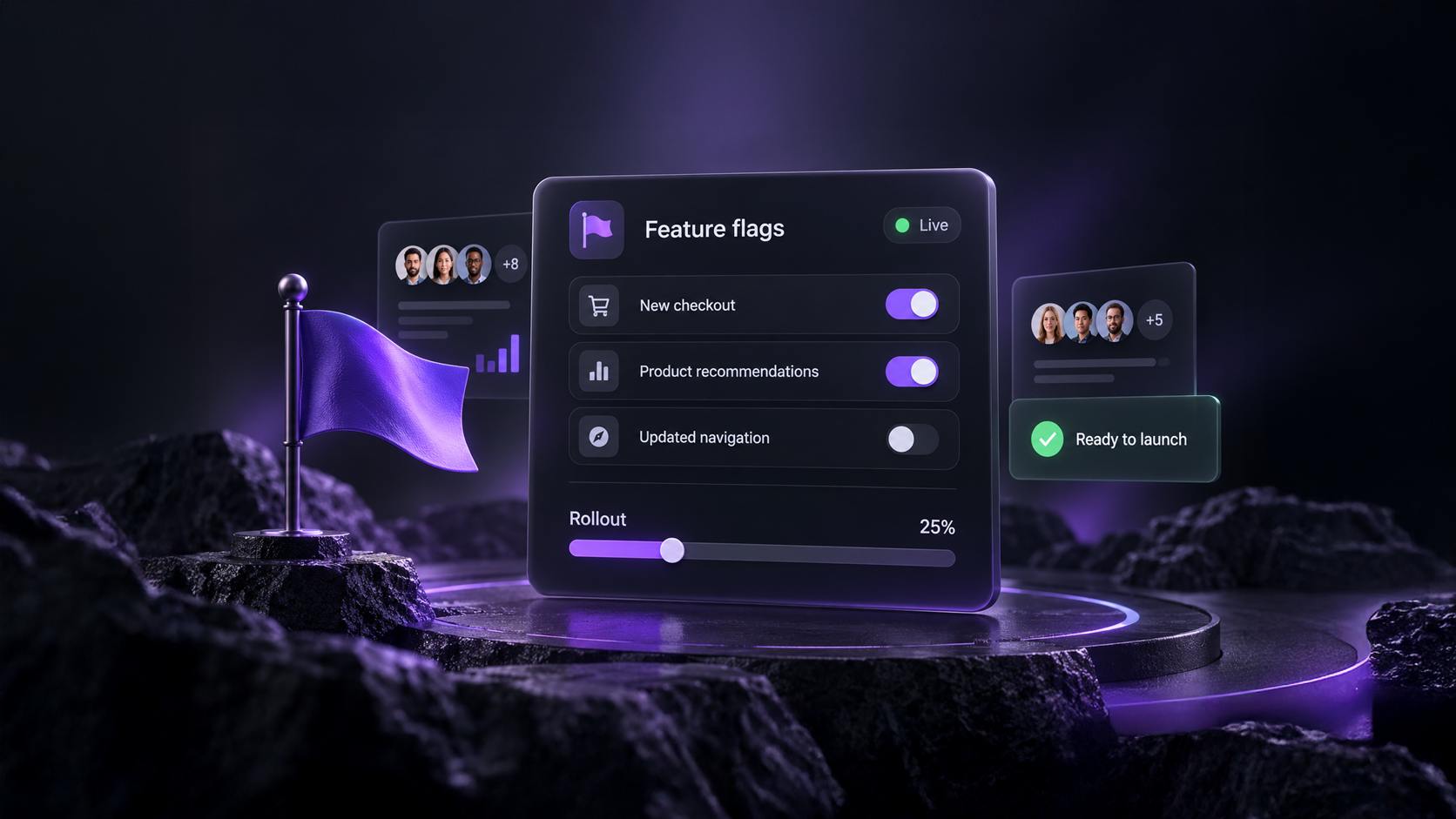
Turn your next idea into an A/B test with AI
Describe what you want to improve. Splitty suggests test ideas, builds the variants and sets up the test on your live page — no code required.
 Split Test Pro team · 5 min read
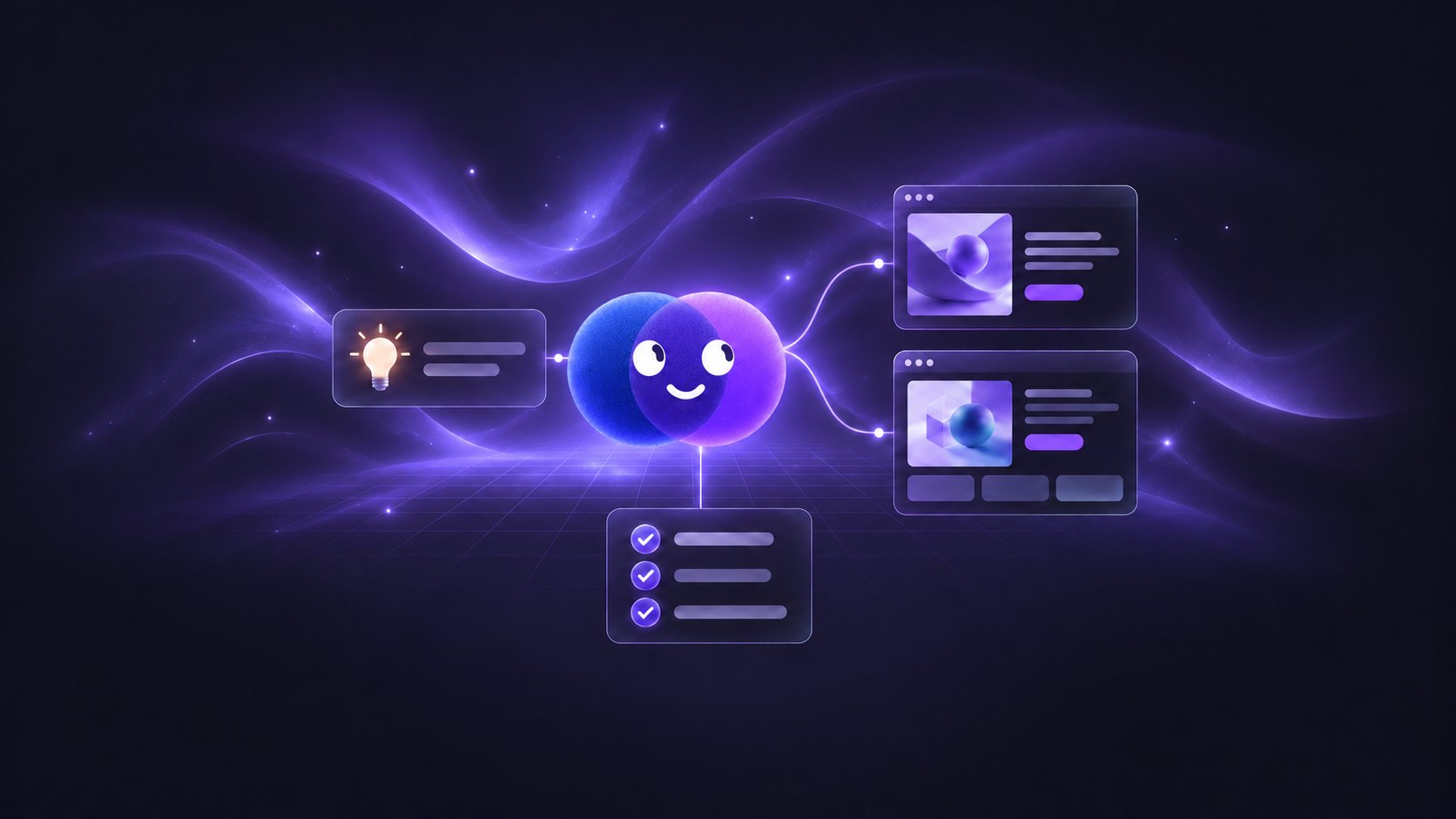


Meet Splitty
Splitty is the AI test builder in Split Test Pro. It opens on your own site, asks what you want to improve, suggests test ideas, and builds the whole test — variants, targeting and traffic split — without you writing code.
Works on your real page
Splitty opens your site in preview mode, rendered by your real theme. Visitors see nothing until you launch.
Ideas, not a blank page
Up to five test ideas for the page, each with a hypothesis, the change, the metric, the audience and the effort.
You stay in control
Review every field before launch, and edit the test by chat or by hand.
Start with one sentence
Click Create with AI on the Dashboard and your homepage opens in preview with Splitty docked beside it. Browse to the page you want to test, then just say what you’re after — “help me get more add to carts on this product page” is enough.
Splitty reads it in one shot. Every detail you mention is captured, and every blank takes a sensible default: this page, page load, all visitors, start now. Chips under the chat show what was captured and what was assumed, and tapping one lets you change it. Prefer to be asked? The question card walks through ten short questions instead, each with a quick “decide for me” answer.
Ideas arrive one at a time. Give one a thumbs up or down to tell Splitty what you like, and click Build Test on the one you want.
Splitty builds the test
A checklist tracks the build in the chat: the draft, both variants, targeting and traffic, then a final validation. Nothing changes on your live website while it builds. When it lands, the preview reloads on the new variant so you can see it on your real page.
Want to compare more than one idea? After a build, the remaining idea cards switch to Add as a variant, so a second idea becomes another variant of the same test.
Refine it in plain words
After a build, the chat becomes an editor. Each message is one targeted edit — “make the headline shorter”, “only show this to returning visitors”, “move the badge above the price”. Splitty replies with what it saved, highlights the changed fields on the review card, and for a code change checks the page before it confirms the change is showing.
If Splitty can’t see the change on the page, it tells you why and offers Undo, which restores the variant’s previous code for free.
From idea to live test
Describe your goal
Type what you want to improve, or answer the questions. Splitty fills in the rest.
Build the idea you like
Pick from the ideas and click Build Test. Splitty writes the variants and sets up targeting and traffic.
Review and launch
Check every field on the Review your test card, then click Launch Experiment.
Core includes 10 AI generations a month, Pro 200 and Agency 500. For the full tour — attachments, chat history and Improve with AI in the manual wizard — see the Splitty AI Builder documentation.