Feature flags: launch with confidence
Ship new features switched off, roll them out gradually, and turn them off in one click.
 Split Test Pro team · 4 min read
What are feature flags?
Feature flags separate deploying code from releasing an experience. Instead of pushing a change to everyone at once, you ship the new code switched off, then turn it on — for a small share of users first, everyone once you’re sure — without another deploy.
Release gradually
Start with a small share of users and expand as you gain confidence.
Test it first
Let an A/B test set the flag per variant and read the results before you release it.
Stay in control
Turn a feature off instantly with Kill — no rollback, no redeploy.
Control your rollout
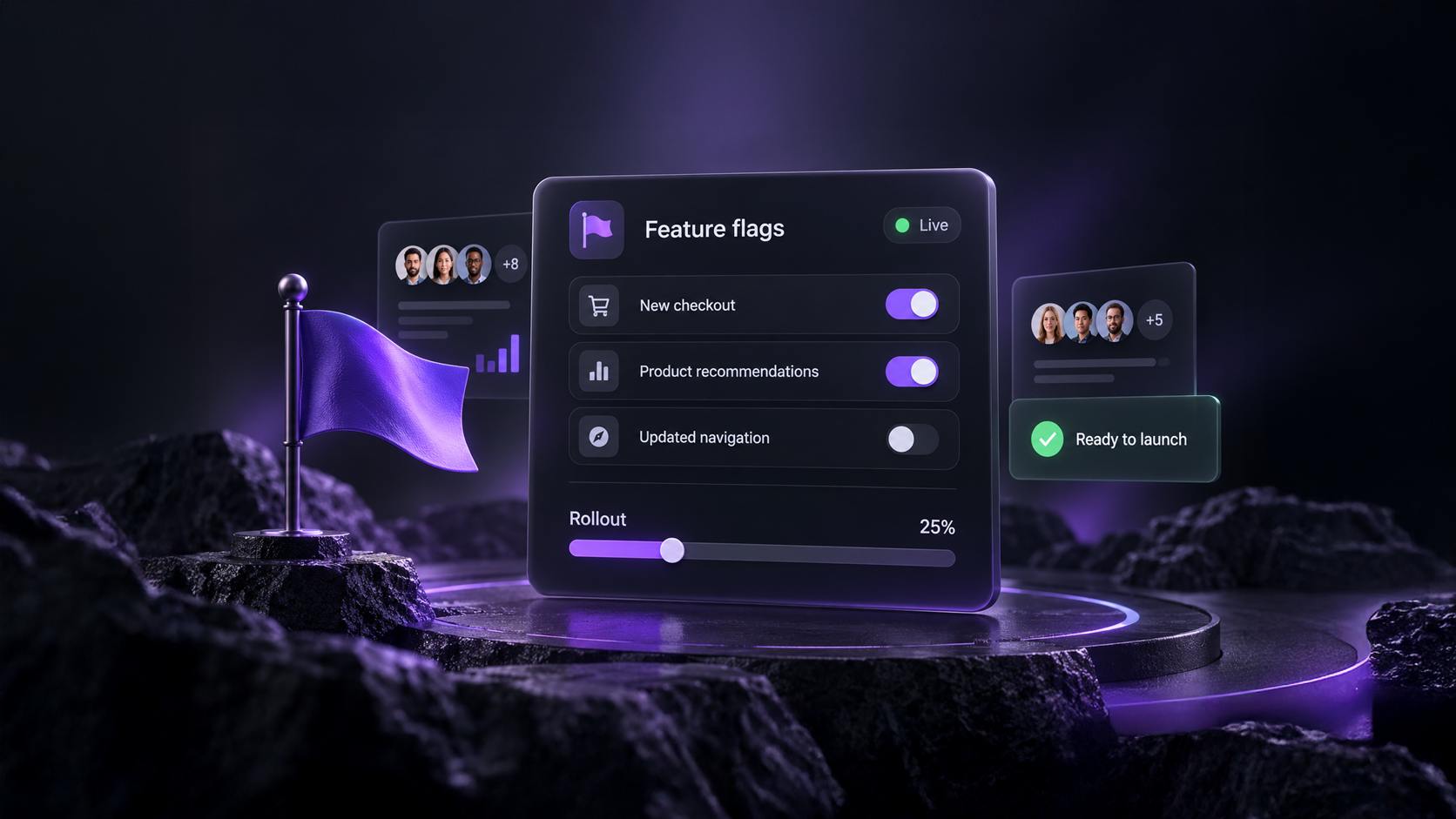
Turn the flag on, set a rollout percentage, and raise it when you’re ready. Each user’s place in a rollout is fixed, so raising it from 10% to 50% keeps everyone who already had the feature and adds more — nobody sees it appear and then disappear.
new-checkoutIf something goes wrong, Kill serves false to everyone immediately. Servers using the Node SDK pick it up within 30 seconds by default, and the rollout percentage is kept: Restore returns the flag to off, ready to turn on again. And because false is always the safe value — off, killed, outside the rollout, an unknown key or even a failed request — your users fall back to the experience they had yesterday.
Launch with confidence
Follow a simple process to get your feature from idea to impact.
Create your flag
In Settings → Feature flags, press New flag and give it a name and a key your code will check. It starts off.
Prove it works
Run an experiment whose variant turns the flag on, against a control that leaves it off, and read the results.
Roll out and monitor
Roll out the winning variant and its value is written into the flag — on at 100%. Or raise the rollout yourself, step by step.
When the feature is everywhere, remove the check from your code and delete the flag. For setup details, see the Feature Flags documentation.